There are two main ways to share reporting. The first is if you’ve set up an organization and the person you’re looking to share with is part of your company. You can invite them directly to the organization. See more here: Team Accounts & Organizations
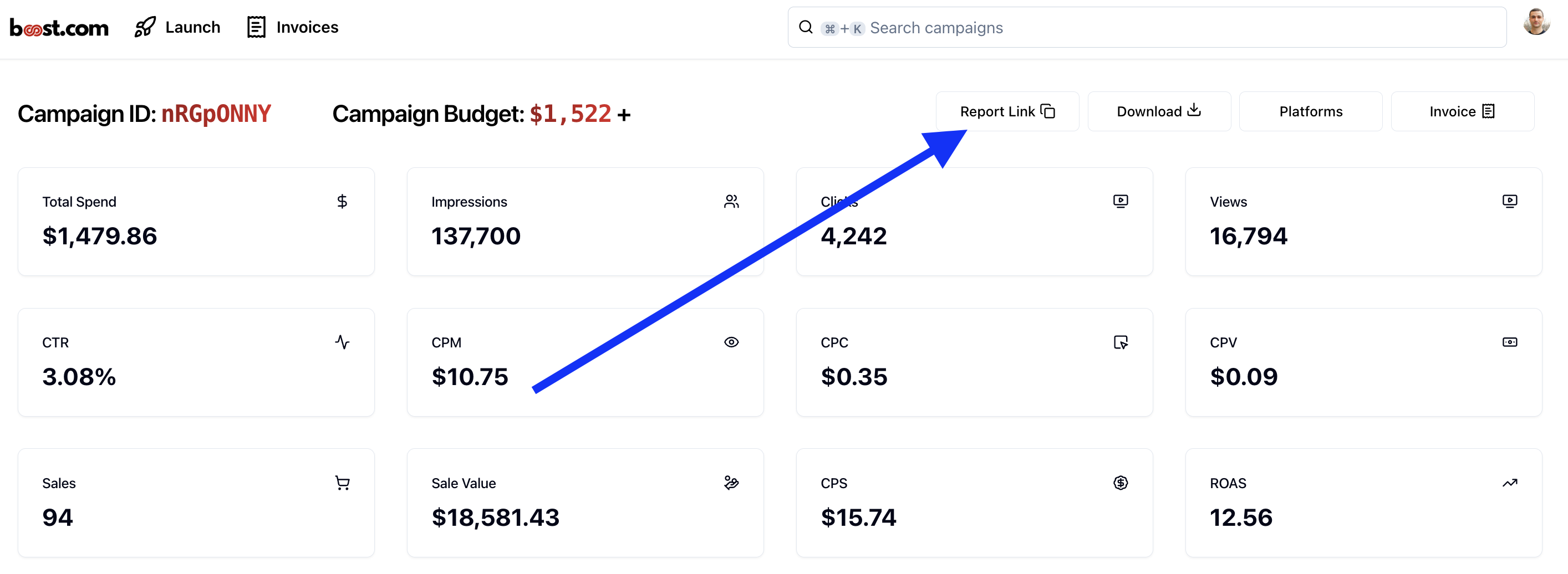
If you’re looking to share a reporting link as a one off, as soon as data pulls into the app, you can click the Reporting Link button to create a unique, shareable link.
The only caveat is that the person clicking the link needs to be signed into their own b00st account. They can easily create one by signing up via https://app.b00st.com/sign-up